
 By
Nodes & Links
Ask most project teams whether they are on track to finish on time and the first place they look is the schedule. The logic, the dates and the critical path give a clear view of where the project should be. What they rarely show on their own is why a date is moving.
That explanation usually sits somewhere else. An RFI is still waiting on a response. A change order has been raised but not approved. A submittal is running late. Each one lives in a different system, and every reporting cycle more of them land than anyone can review before the next report is due. So the update goes out, and decisions get made, on whatever there was time to read.
A sat nav that knows your route can plan the best way to your destination. Add live traffic and it can also tell you whether you will arrive on time, what is likely to hold you up and where to reroute.
Your schedule is the route. Your RFIs, change orders and project documents are the traffic. The answers you get about your project are only as good as the context behind them, and until now that context has been spread across separate platforms and a long list of open tabs.

This week, Nodes & Links AI connects to Aconex. RFIs and change orders and your project documents will now appear inside each project, refreshed automatically every day.
Your team can:
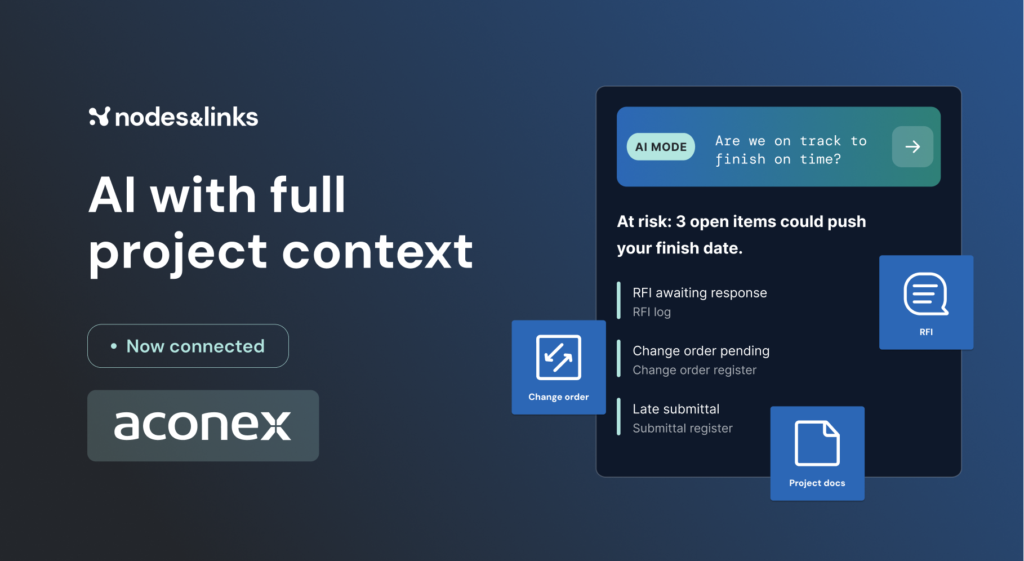
Once a document is linked, it becomes part of what AI Mode knows about your project. Ask “Are we on track to finish on time?” and the answer now accounts for the open RFI, the pending change order and the late submittal, alongside the schedule logic and project controls expertise AI Mode already brings.
More context only helps if you can trust what the AI does with it. Every AI Mode response includes its reasoning and references, so you can trace each conclusion back to the schedule or the document it came from. When a decision needs to stand up in a review, the evidence is already there.
Project controls teams using Nodes & Links are already saving millions. Bringing the documents behind the dates into AI Mode gives them far more to work with.
If your team already runs projects in Aconex, you have the context AI Mode needs. Book a demo and we’ll show you how Nodes & Links connects your schedule and project documents, and the answers you get when the AI can see the full story.