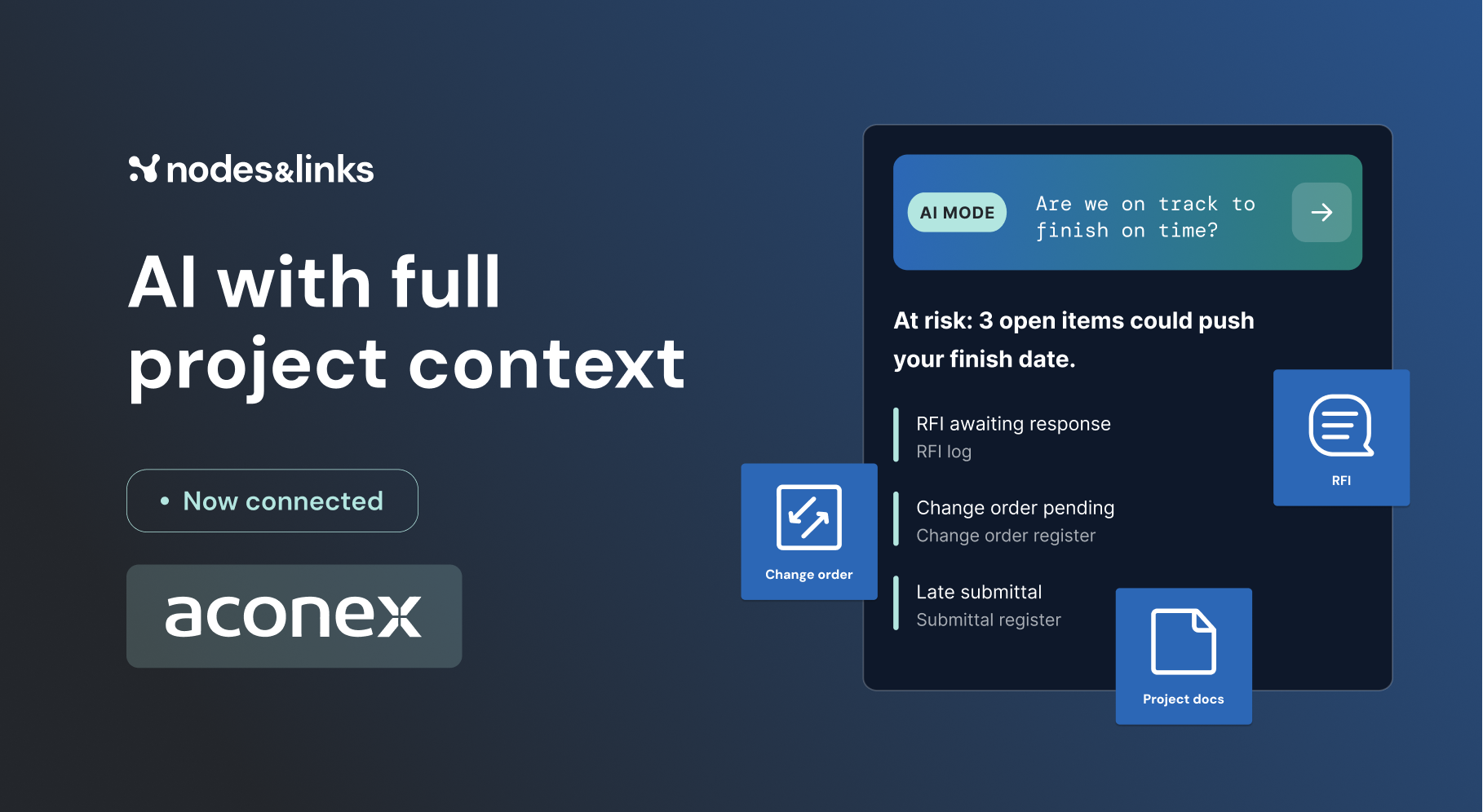
New: Document Integrations with Aconex and Procore are live. See what your AI can read now

Platform Ground truth models Delay Navigator

Delay analysis software

Find out exactly why an activity is late.

Delay Navigator works back from any late activity, predecessor by predecessor, compares the schedule with your baseline and shows what caused each day of delay.

DC Echo Delay Navigator
Handover of Data Hall 1
Delay contribution to H.B.1002, +385 days
C.B.1034 Entrance structure
27%
E.G.2470 Client review, F003
20%
E.G.3520 Approve temporary works
13%
E.G.2390 Design package F002
12%
C.B.1002 Access to interface area
7%
P.B.1012 Contractor mobilized
6%
C.B.1000 Access ramp and crane pad
3%
C.B.1001 Finishes and M&E
2%

Why teams choose it

Three reasons it earns its place.

01

Root cause in one click.

Pick the late activity. Delay Navigator traces back through every predecessor so you see the causes, not just the symptoms.

Predecessor by predecessor
02

Every day of delay, explained.

Each contribution is tagged by reason: duration increase, start slip, or a constraint, relationship or calendar change.

Six change types
03

Evidence your experts control.

Review every raw date yourself when contracts demand it, follow each activity across every schedule version, and export it all.

Built for claims

Technical specification

How every day of delay is attributed.

Compares
The current schedule against your baseline
Traces
Backwards from any selected activity, predecessor by predecessor
Change types
Start date, end date, duration, added activities, constraint, relationship and calendar changes
Shown
Contributions of at least 1% or 1 day, excluding level of effort and summary activities
Views
Tornado (percentages or days), network graph and changes across schedules
Across schedules
End date, start date, duration or float for every relevant activity, from baseline through each update
Pass-through activities
Activities that only carry delay are grouped behind the path, showing the one that carries the most
Next steps
Open any activity in Change Control with the targeted path pre-filled, and export charts and tables

Attribution

Clear rules for who caused what.

Delay contribution is only assigned when an activity actually causes delay. Activities that are simply pushed along are grouped out of the way.

  • Six change types
  • 1% or 1 day threshold
  • Transmitters grouped
When an activity gets delay contribution
Duration increase. The activity got longer than planned.
Start slip. It started late without being pushed by a predecessor.
Constraint change. A constraint was altered in a way that delayed it.
Relationship change. A logic link changed, for example start-to-start to finish-to-start.
Calendar change. Its calendar changed, for example added holidays.
Added activity. New work was added to the path.
Shown when contribution is at least 1% or 1 day. Level of effort and summary activities are excluded.

Graph

See how delay cascades through the network.

An interactive network view shows how upstream delays flow into your activity, and how its delay travels downstream.

  • Network view
  • Upstream and downstream
  • Contribution per activity
C.B.1002Access to interface area7% contributionE.G.1670Issue TWDB, crane pad1% contributionE.G.2390Design package F00212% contributionC.B.1034Entrance structure27% contributionC.B.1000Access ramp and crane pad3% contributionP.B.1012Contractor mobilized6% contributionE.G.2470Client review, F00320% contributionH.B.1002Handover, Data Hall 1+385 days total delayUpstreamDriving activitiesTarget

Across schedules

Follow every activity through every update.

A version-by-version table shows when and how each driving activity moved, with slips in red, so the delay history is on record.

  • Baseline to latest
  • End, start, duration or float
  • Excel export
Changes across schedules
End date
ID
NAME
11 DEC 25
5 FEB 26
30 APR 26
TOTAL
C.B.1034
Entrance structure
Not existing
19 Feb 2027
13 Jul 2027
+144d
0d
E.G.2470
Client review, F003
16 May 2026
+13d
19 Aug 2026
+95d
8 Jan 2027
+142d
0d
C.B.1002
Access to interface area
1 Jun 2026
+115d
3 Sep 2026
+94d
11 Jan 2027
+131d
+385d
H.B.1002
Handover of Data Hall 1
14 Dec 2026
+85d
26 Feb 2027
+74d
20 Jul 2027
+144d
+385d
Investigate in Change Control

FAQ

Questions, answered.

Technical questions about Delay Navigator.

Talk to our team

Starting from the selected activity, Delay Navigator works back predecessor by predecessor and compares the schedule with your baseline. Contribution comes from duration increases, a start slip not caused by predecessors, and constraint, relationship or calendar changes.

Activities with a delay contribution of at least 1% or 1 day. Level of effort and summary activities are excluded.

Activities that are pushed by a predecessor and push their successor by the same amount are grouped behind the connecting path, so the chart shows the causes, not the carriers.

Yes. Contracts and legal frameworks differ, so you can review every raw date yourself instead of relying on the calculated contribution.