
“What’s happening on site that the schedule doesn’t know yet?”
On most projects, the honest answer is quite a lot. RFIs are raised in the field, change orders are agreed, and documents move on, all inside Autodesk. The schedule catches up at the next update, and decisions are made on the plan as it stood then.
Nodes & Links now integrates with Autodesk Forma and Autodesk Build. What’s happening on the jobsite now reaches the same place as the plan, so the two can be read together.
Nodes & Links now integrates with Autodesk Forma and Autodesk Build. What’s happening on the jobsite now reaches the same place as the plan, so the two can be read together.
Where the field meets the plan
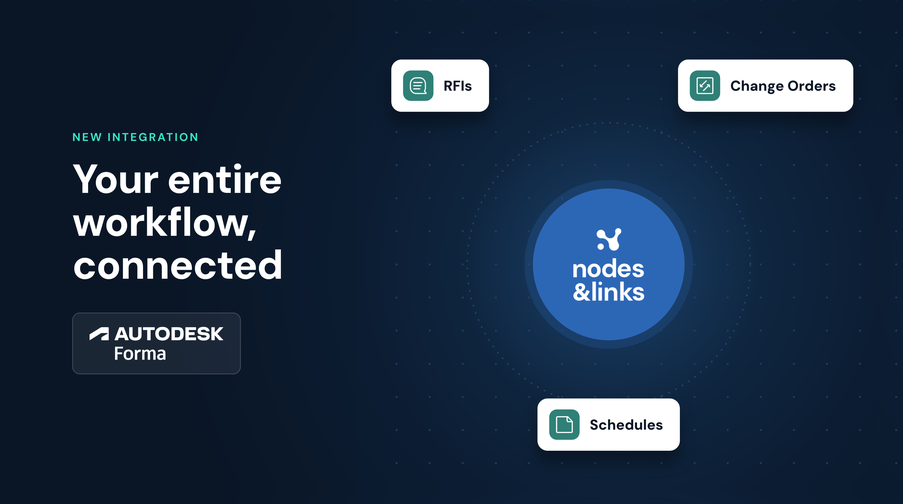
Within Autodesk Forma, Forma Build is where site teams log what they find: the RFI that needs an answer, the change that needs approving, the document that’s behind it. Forma Data Management is where the project’s documents and files are kept, from drawings and specifications to contracts. Nodes & Links brings records from both in and links them to the activities they affect, so the schedule reflects what is actually being built.
What this looks like in practice
- Connect once and map each project to its Forma project, and new records keep arriving against the right project without anyone uploading them manually
- See RFIs, change orders and project documents from Autodesk Forma next to the activities they touch
- Link a record to several WBS nodes or Activity Codes in a single pass
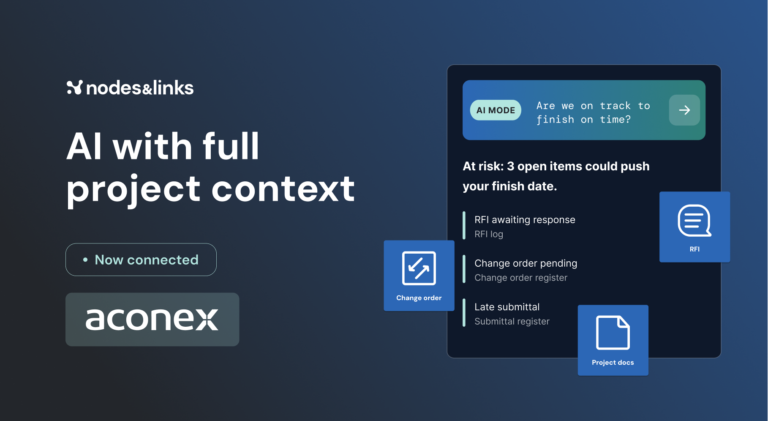
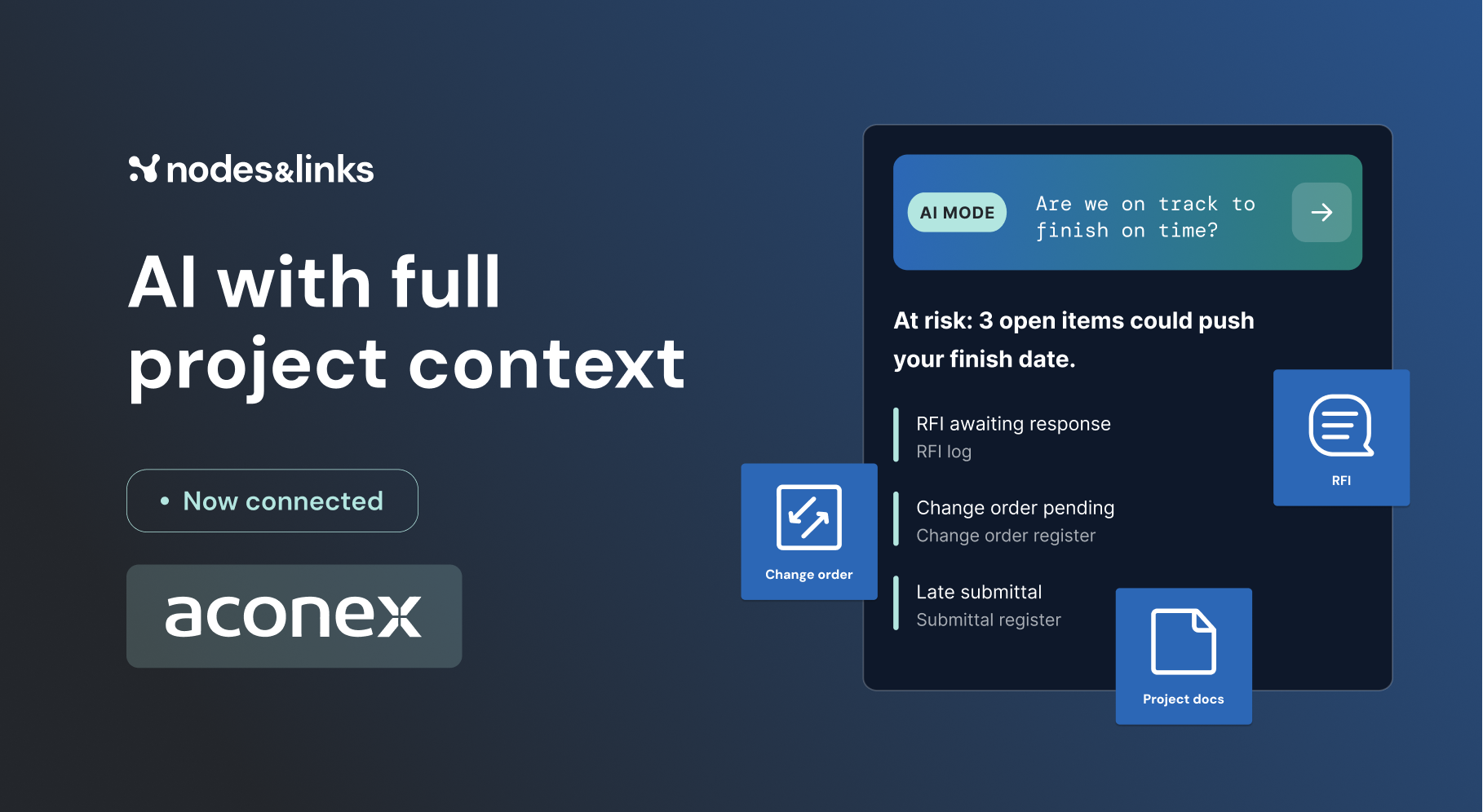
- Ask AI Mode which open items from site are putting upcoming milestones at risk
- Open any record straight into an AI Mode conversation that already knows the project, and ask what it means for delivery
- Trace every answer back to the Autodesk Forma record it came from
The plan and reality, closer together
The sooner field information reaches the people making decisions, the more options they have. With Autodesk Forma connected, project controls teams spend less time chasing updates from site and more time acting on them.