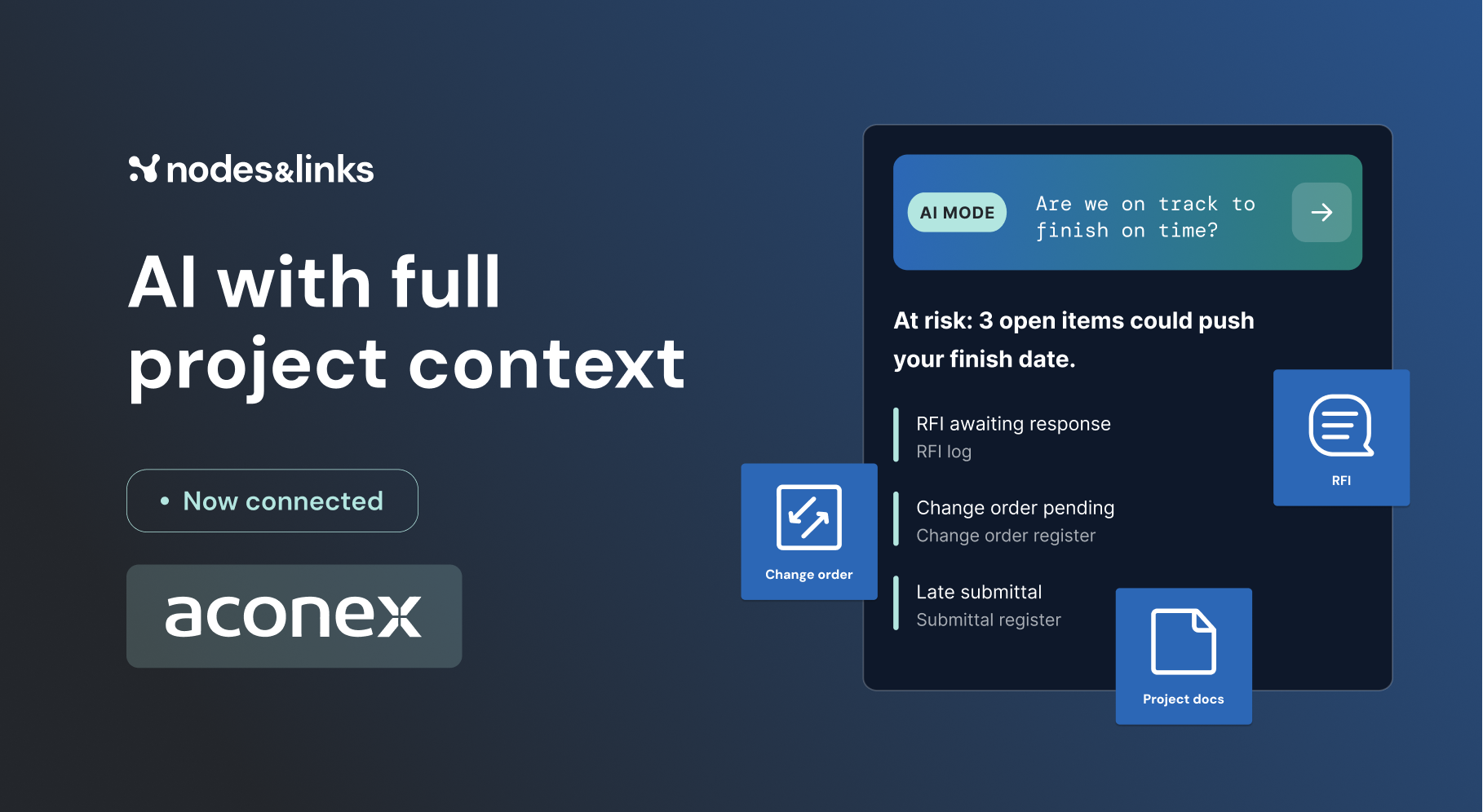

New: Document Integrations are live. See what your AI can read now

Why teams choose Nodes & Links over Excel + Power BI

Excel and Power BI are good general tools. Project controls needs more: schedule analysis built in, AI you can audit, and nobody stuck maintaining the dashboard.

Nodes & Links
Excel + Power BI
Time to value
Out of the box
Months of building
Schedule analysis
Built in
Build it yourself
New capability
Free upgrades
Built from scratch
Maintenance
None
High

At a glance

Feature by feature.

Included
Not included
FeatureNodes & LinksExcel + Power BI
Fully customizable$$$
Schedule health checks$$$
Progress tracking and S-curves$$
Project progress KPI
Top 5 paths to any activity
GenAI reporting
Interactive, shareable AI reports
Fully customizable AI reports
AI agent for project insights
Private LLM
Impact of scope change per project or path
Health checks at project and workspace level
Carbon footprint tracking
Maintenance costNoneHigh
Security built in

$ shows what a feature costs to build and maintain yourself in Excel and Power BI.

Why teams switch

Why great project teams need more than Excel + Power BI.

01

Hard to get started.

Excel + Power BI: Generic tools with no useful built-in functionality for project controls. Teams can spend months building, and it often costs more than expected.

Nodes & Links: One out-of-the-box product that keeps growing.

02

The burden is on you.

Excel + Power BI: Building takes costly in-house work, like running a software engineering team, and maintenance piles up until the dashboard is slow.

Nodes & Links: Maintenance and security are handled for you, at no extra cost.

03

No new capability.

Excel + Power BI: Every new capability is built from scratch, and it can break the features you already rely on.

Nodes & Links: Free upgrades and new features, shaped by user feedback, with no maintenance cost or compatibility issues.

Ground truth models

Every answer runs on models your experts already trust.

Ask in plain language, or drop into Platform Mode and check the math yourself.

Download as PDF

Take the comparison to your team.

Nodes & Links vs Excel + Power BI, feature by feature, ready to share with procurement and your project leads.

Get your copy

We will never share your details with third parties. See our privacy policy.

FAQ

Questions, answered.

Questions teams ask when they compare.

Talk to our team

No. Load your schedules and the analysis is already there: integrity checks, progress, change and risk, with no dashboards to build or maintain.

No. Nodes & Links runs in the browser. Connect Primavera P6, Oracle Primavera Cloud or Microsoft Project, or upload a schedule.

No. Customer data is never used to train AI or LLM models, and each customer’s data stays in its own environment.