01
Too complex.
Safran Risk: On average over 50 buttons, switches, tabs and menus per screen, with tutorials and manuals to get through first.
Nodes & Links: Ready to use from the first login.
Use cases
By organization
Featured stories
Latest from the blog
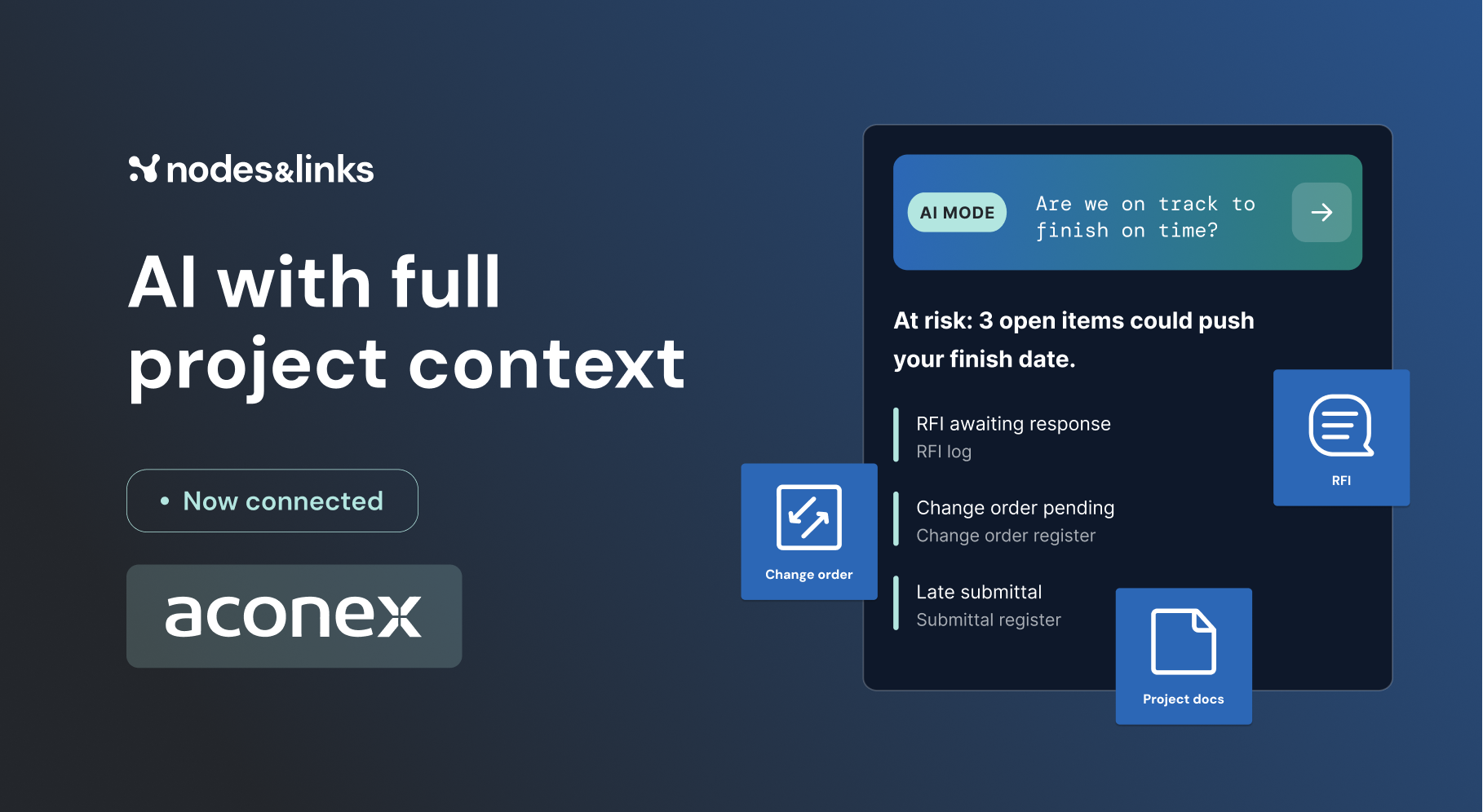
AI with full project context: Connect Nodes & Links with AconexNovember 5, 2026All blog posts →Featured guide
GuideThe Executive Guide to AI for Project DeliveryTest date confidence, understand project risk and focus interventions, with auditable evidence.Read the guide →All guides →Watch, read and learn
WebinarsLive sessions and on-demand replays.WhitepapersLong reads on where project delivery is going.ResearchThe peer-reviewed work behind the models.Case studiesHow teams use Nodes & Links on live projects.The Physics of Project AccelerationOur book on pulling project dates forward.All resources →Safran Risk is built for specialists. Nodes & Links gets you a fully risk-loaded schedule in minutes, in the browser, with AI that suggests the uncertainty for you.

At a glance
Why teams switch
Safran Risk: On average over 50 buttons, switches, tabs and menus per screen, with tutorials and manuals to get through first.
Nodes & Links: Ready to use from the first login.
Safran Risk: At least a year’s commitment and $8,500, 4 to 6 months of procurement, and the risk of it not working out sits with you.
Nodes & Links: Free to start, saving at least 250 hours of workload.
Safran Risk: Installed on your own equipment, with maintenance and security costs on your team.
Nodes & Links: All you need is a browser and an internet connection. Security and performance are handled.
Safran Risk: Uncertainty has to be assigned to 1,000s of activities by hand.
Nodes & Links: Generate and assign uncertainty across every activity with a switch, mixed with your own estimates, for a fully risk-loaded schedule in minutes.
Real projects, real results
Ground truth models
Ask in plain language, or drop into Platform Mode and check the math yourself.
Download as PDF
Nodes & Links vs Safran Risk, feature by feature, ready to share with procurement and your project leads.
Yes. Mix AI-suggested distributions with your own estimates, by activity or WBS, and get a fully risk-loaded schedule in minutes.
No. Nodes & Links runs in the browser. Connect Primavera P6, Oracle Primavera Cloud or Microsoft Project, or upload a schedule.
No. Customer data is never used to train AI or LLM models, and each customer’s data stays in its own environment.