



“Is this schedule good enough?”
The answer depends on the project. A data center fit-out, a rail upgrade and a plant shutdown carry different risks and different tolerance for gaps in the logic. The checks that judge their schedules should reflect that.
Done by hand, schedule checks are set up project by project. Thresholds, critical values and score settings are configured one at a time, and when a standard changes, the same edit has to be repeated everywhere. That is time spent maintaining checks rather than acting on what they find.
Integrity Templates in Nodes & Links let you set each standard once and keep it consistent wherever it applies.
A consistent standard for every type of project
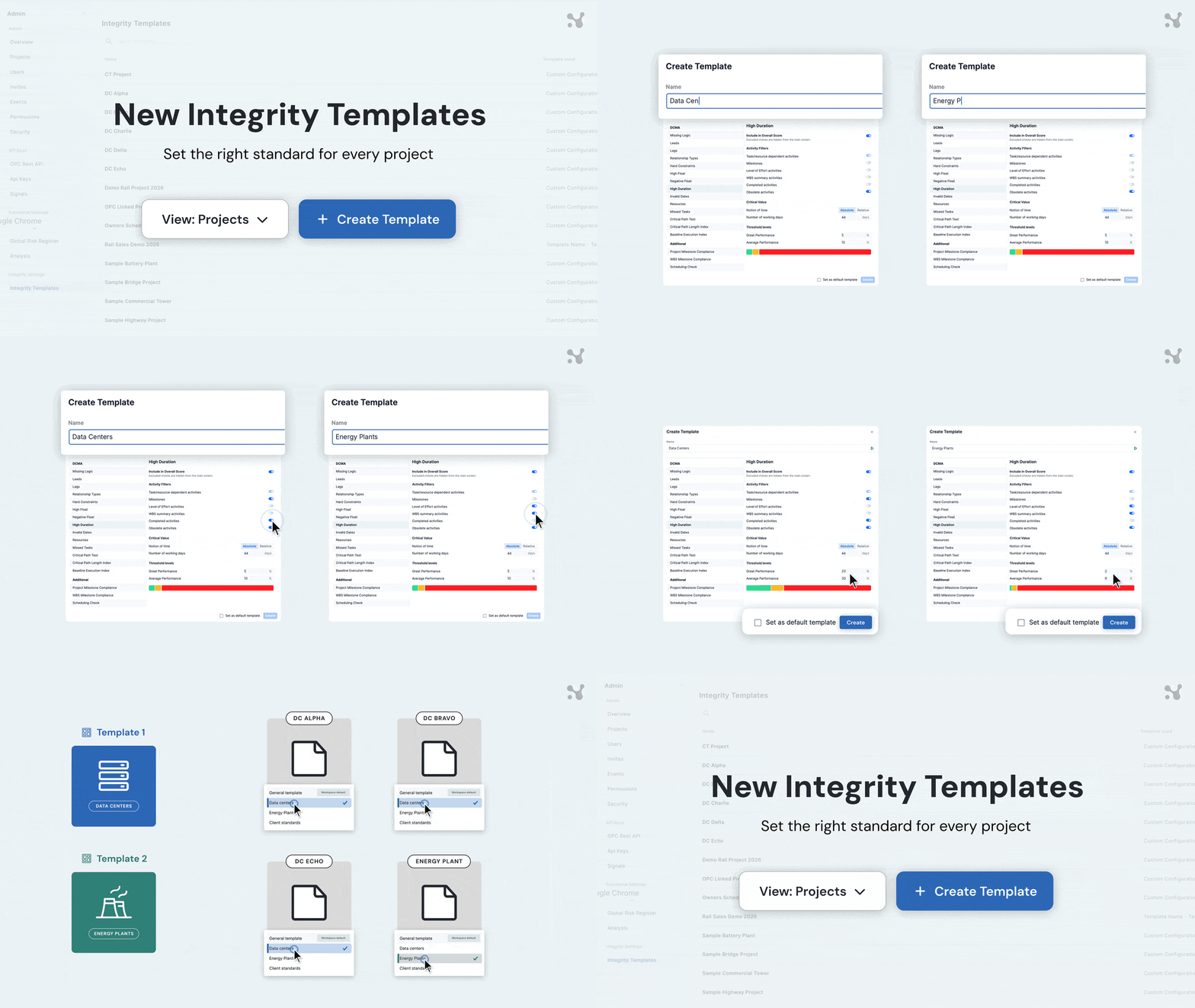
Build a template for each type of work you deliver or review, with its own check thresholds, critical values and scoring. For example, a data center fit-out and a rail upgrade are each measured against what good looks like for that kind of project, and every new project starts from the right standard instead of a blank setup.
Every project sits alongside the template it follows, so you can see at a glance which standard each schedule is measured against. Give each project the template that fits, choose one to apply to every new project automatically, or set up a one-off project with its own settings.
You decide who can change a project’s standard. Lock templates in place and everyone else can see the settings without editing them, so a standard can’t drift on one project without anyone noticing.
Change once, update everywhere
When a standard changes, update the template once and every project using it follows, including any that adopt it later. You see how many projects will be affected before anything changes, so there are no surprises in the next update.
Less upkeep, scores worth comparing
An integrity score is only useful when you know what it is measuring. For the planners and project controls teams monitoring schedule integrity, templates take the setup off every new project and keep each update measured the same way, so time goes on fixing issues instead of maintaining checks. For owners reviewing schedules from several contractors, and consultancies working to each client’s standards, projects of the same type are judged the same way and their scores can be compared.