01
Contractor coordination
Every subcontractor plans differently, and checking them all by hand takes hours.
Use cases
By organization
Featured stories
Latest from the blog
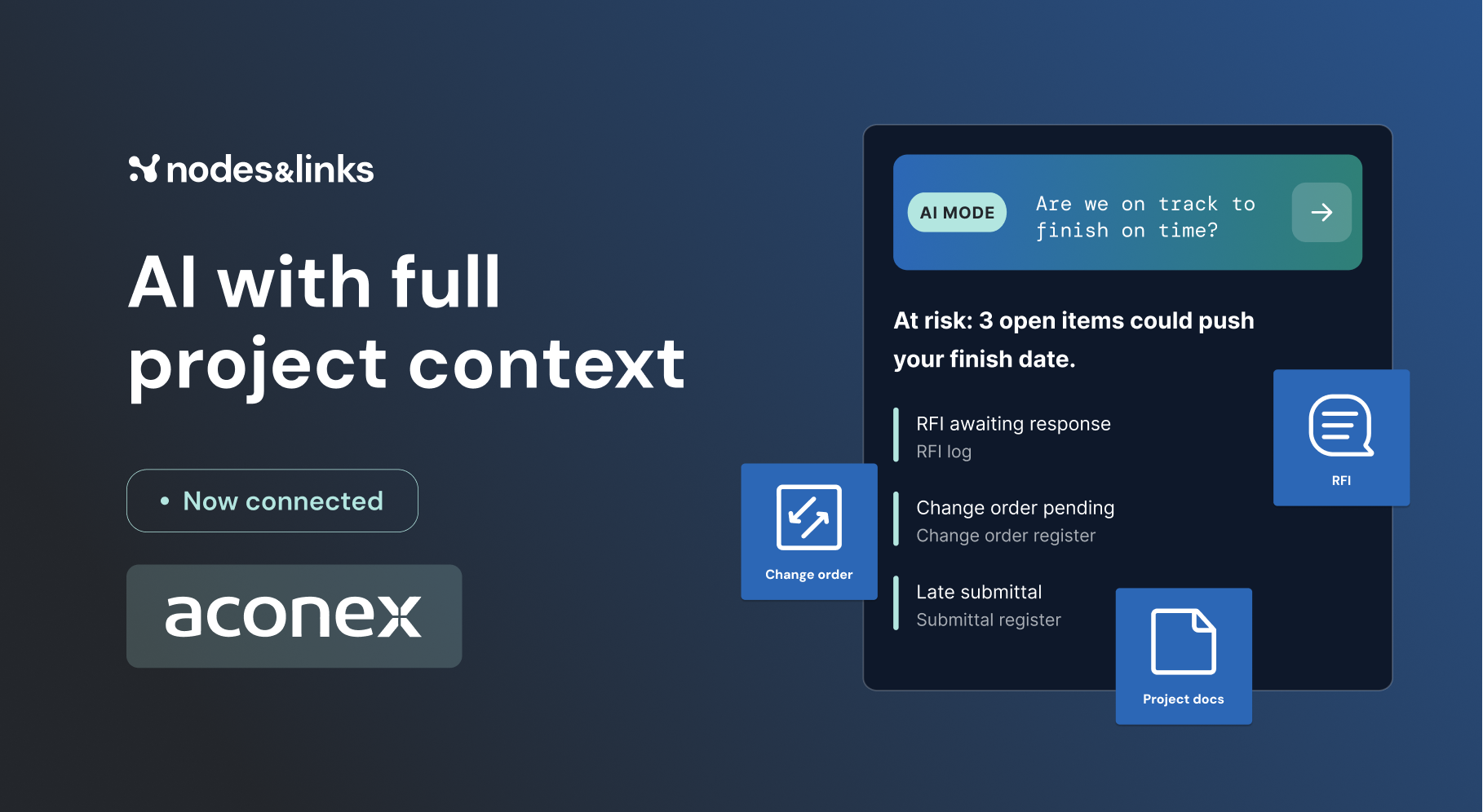
AI with full project context: Connect Nodes & Links with AconexNovember 5, 2026All blog posts →Featured guide
GuideThe Executive Guide to AI for Project DeliveryTest date confidence, understand project risk and focus interventions, with auditable evidence.Read the guide →All guides →Watch, read and learn
WebinarsLive sessions and on-demand replays.WhitepapersLong reads on where project delivery is going.ResearchThe peer-reviewed work behind the models.Case studiesHow teams use Nodes & Links on live projects.The Physics of Project AccelerationOur book on pulling project dates forward.All resources →Tight schedules, many subcontractors and precise execution. Check every schedule, manage risk and pull the timeline forward.

What makes it hard
Every subcontractor plans differently, and checking them all by hand takes hours.
Consents and traffic management windows decide when work can start.
Late materials push paving and structures into the next season.
Customer story
Challenge
Nine subcontractor schedules to check against one standard, every month, made manual checks inefficient.
What changed
Automated quality analysis against a portfolio-wide integrity standard, with real-time alerts on non-compliant schedules.
Built for both sides of the project
The decisions highway teams bring to it
One-pager
Nodes & Links for highways: the results, the decisions it answers and how teams get started, on one page.
Yes. It connects to Oracle Primavera Cloud, Primavera P6 and Microsoft Project, reads documents from Aconex, Procore, Autodesk and Trimble, and takes anything else by API or upload.
Minutes. Integrity checks each schedule against your standard as it lands, instead of the hours a manual review takes.
Yes. Customer data is never used to train AI or LLM models, and each customer’s data stays in its own environment.